Linux Operating System Fundamentals


ENSTSA
Enrollment is Closed

About This Course

The Linux Operating System Fundamentals course is designed to transform undergraduate students and aspiring technical professionals from basic graphical interface users into confident, command-line proficient practitioners. In modern software engineering, robotics, embedded systems, and server management, a solid grasp of UNIX-like environments is essential. This course bridges fundamental operating system theory with practical, real-world execution.

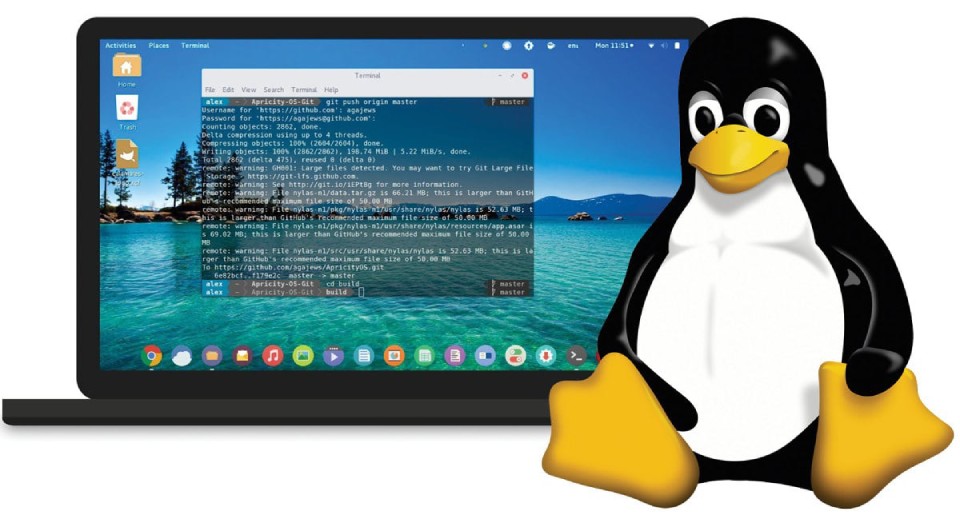
Throughout the course, learners will navigate the Linux file system hierarchy, master file access security and user permissions, manage system processes, and automate repetitive tasks using Bash shell scripting. Through interactive video demonstrations, practical exercises, and hands-on virtual machine labs, you will gain direct experience with the core commands and troubleshooting techniques used daily by system administrators and developers worldwide.

Requirements

Learners should have basic computer literacy, including general familiarity with desktop operating systems and file management. Experience with Free and Open Source Software (FOSS) is helpful but not required. To participate in the practical lab exercises, you will need a computer capable of running virtualization software (such as Oracle VirtualBox) to host a desktop Linux environment (Ubuntu).

Course Staff

Dr. Abdelaziz Mokhnache

Dr. Abdelaziz Mokhnache

Dr. Abdelaziz Mokhnache is an Assistant Professor at the National Higher School of Autonomous Systems Technology (NHSAST). With over eight years of experience in software development and technical instruction, his research and teaching focus on operating systems, embedded systems, microcontrollers, and educational technology in higher education.

Frequently Asked Questions

What web browser should I use?

The Open edX platform works best with current versions of Chrome, Edge, Firefox, or Safari.

See our list of supported browsers for the most up-to-date information.

Do I need to install Linux natively on my computer?

No. All practical laboratory exercises are designed to run safely inside a free Virtual Machine (such as VirtualBox) on Windows, macOS, or Linux host operating systems without affecting your main setup.

Is this course suitable for complete beginners?

Yes. The module starts with entry-level command-line concepts and progressively builds toward process administration and shell automation.